BlendVision supports two methods of account registration:
- Create an Account via Microsoft AD SSO.
- Create an Account via your email. Please be noted that the email of free email services such as Gmail and Hotmail cannot be used for registration.
Please choose one of the two methods for registration and keep using the same login method as you registered.
For example, users registered through Microsoft AD SSO will not be able to login by email method.
Email Registration Steps
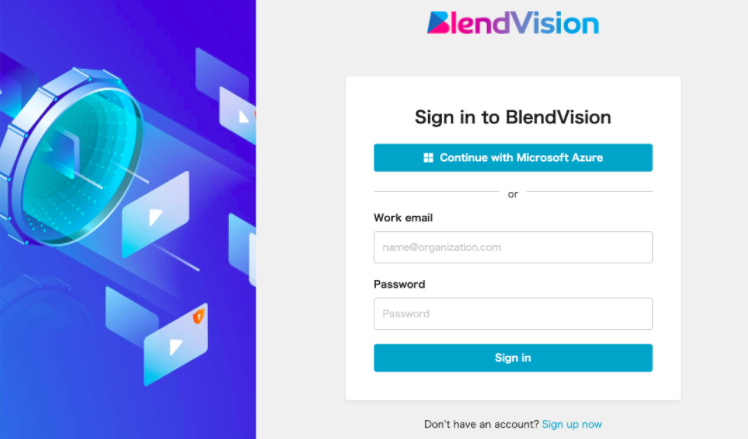
- On the BlendVision Login page, click on Sign up now hyperlink.
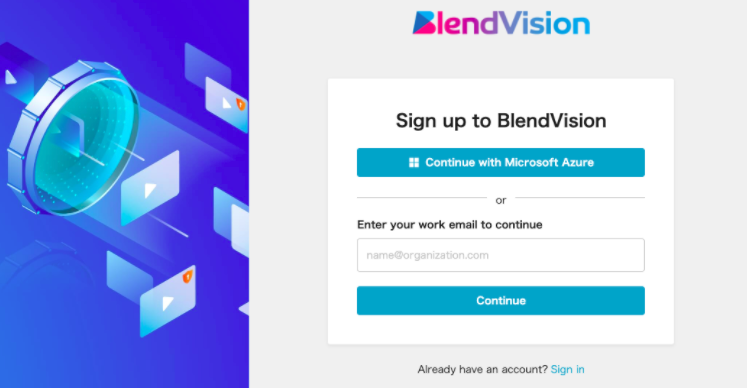
- Enter your email address and press the Continue button on the Sign page.
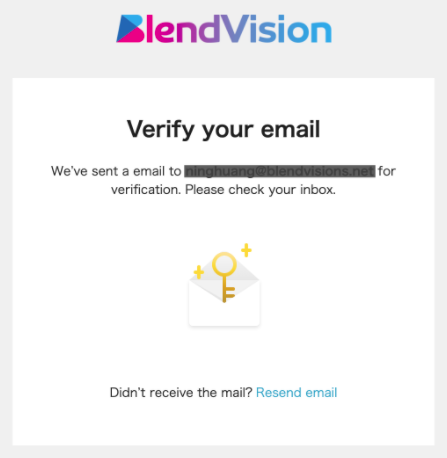
- You will then receive an email with the subject: Verify Email Address for BlendVision to verify your email address. (If you didn’t receive an email, you can click on the Resent hyperlink on the Verify your email page.) *Please do not use free email services such as Gmail and Hotmail for registration.
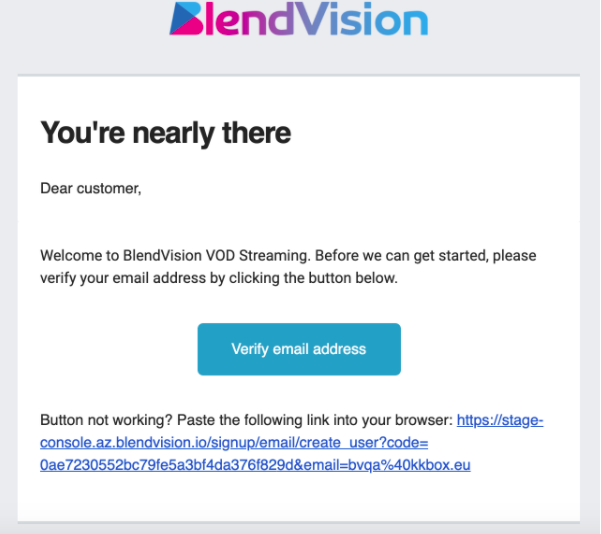
- Verify your email address by clicking on the verification button or URL in the email. (Sample email as below)
- You will then be redirected to a sign up form to setup your First Name, Last Name and your Password.
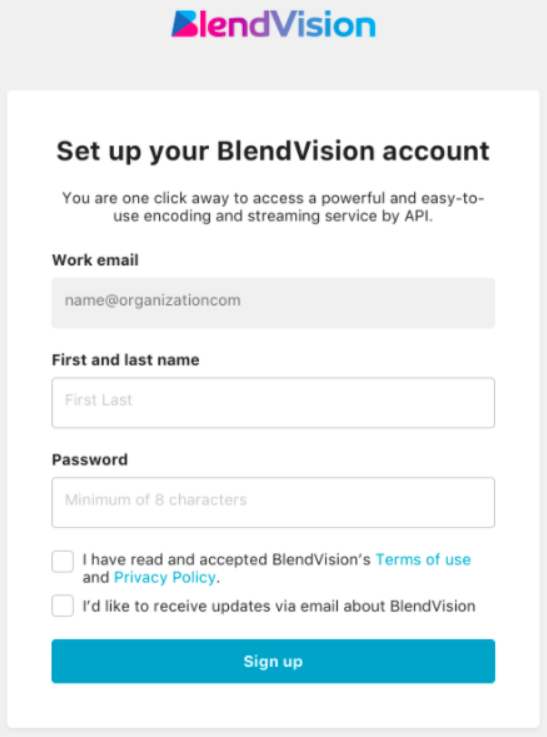
- Check to agree on BlendVision Terms of use and Privacy Policy and click on the Sign up button.
- If you are the first one of your company to create an account in BlendVIsion, you will further be redirected to a page to create your Organization in BlendVision. You can rename your Organization and add some description.
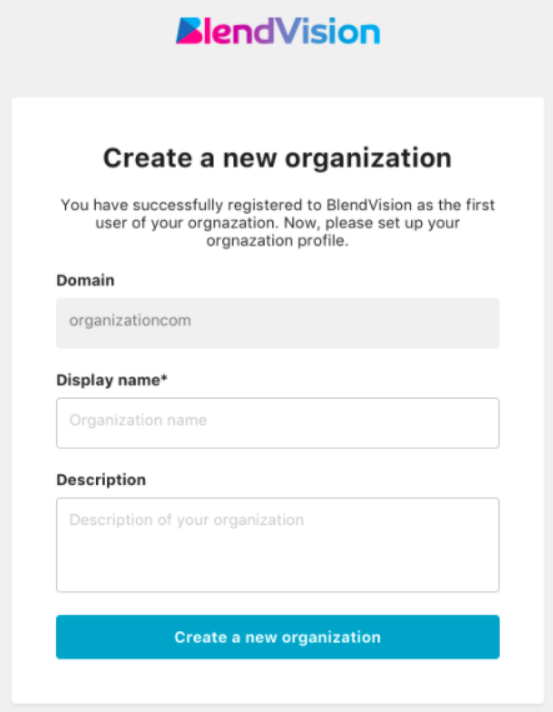
- Click on Create a new organization button and you are ready to begin your BlendVision Journey!