For encoding jobs under Streaming Project, BlendVision LOOM will auto-generate an iframe player for each encoded content for you to realize an end-to-end solution.
To locate the very iframe player of each encoded content, follow the steps below.
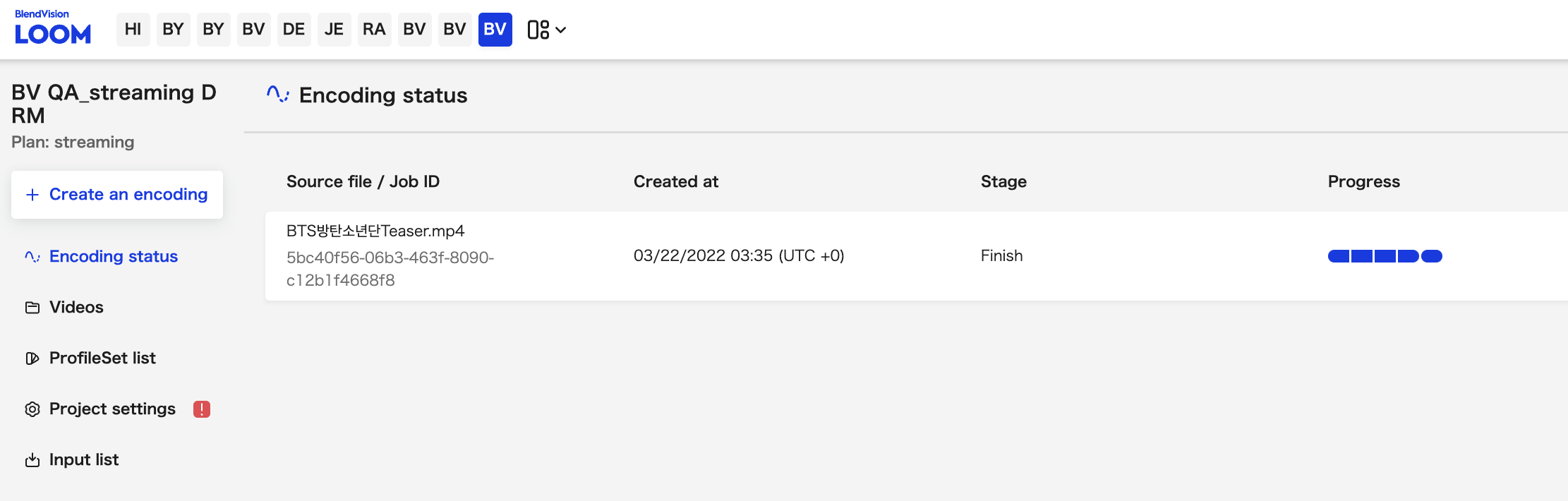
1. Select the streaming project you uploaded files to encode
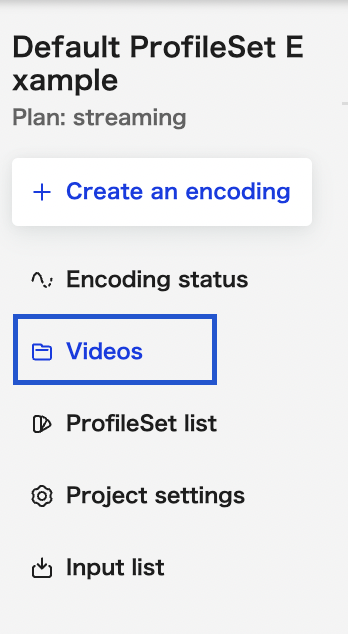
2. Click the "Videos" tab on the left side menu
3. Click on the video you wish to integrate iframe player

4. After entering video detail page, scroll down to locate "Player" section right below CDN section
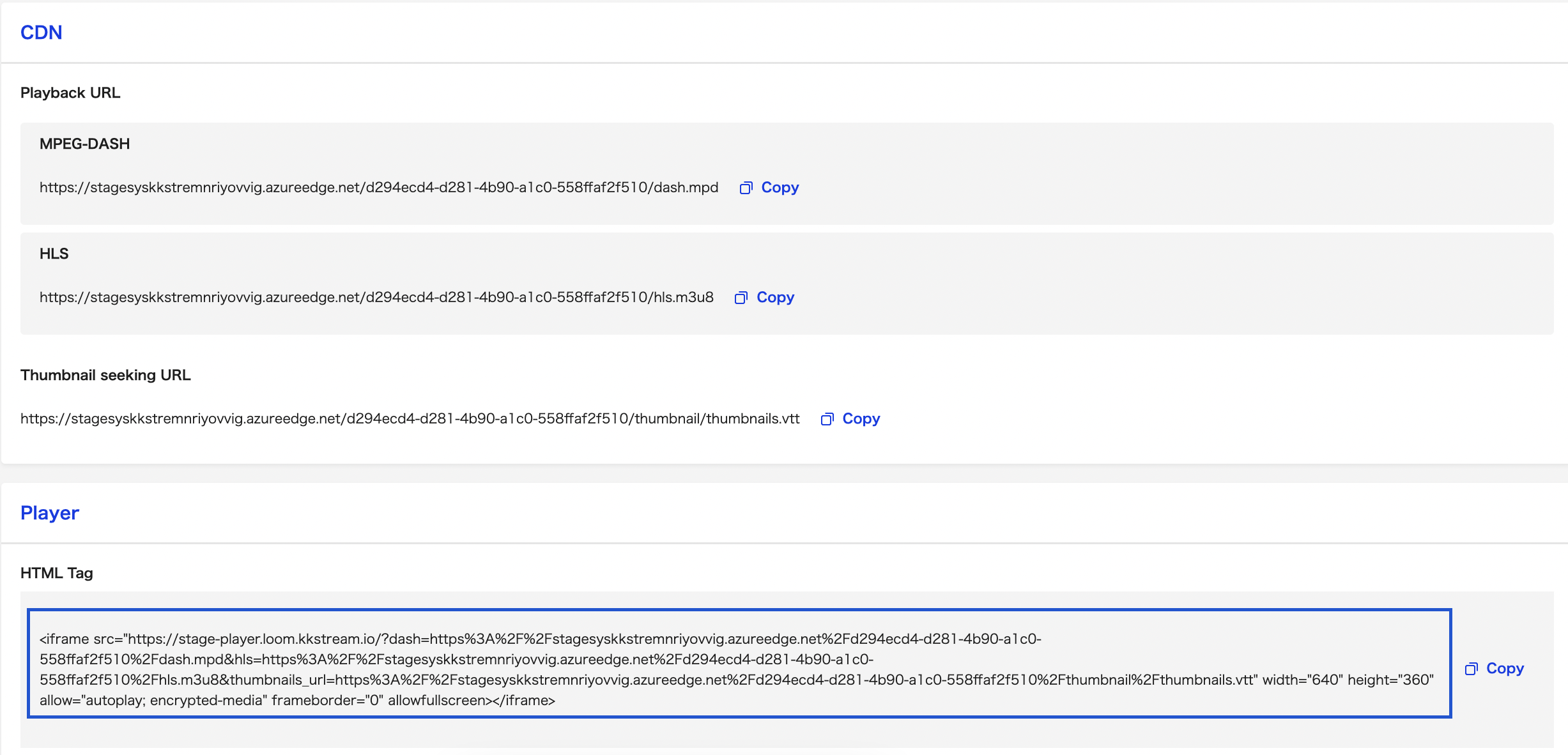
5. The HTML Tag is the iframe player page fully incorporated with designated output protocol (MPEG-DASh/HLS ) playback URL and Thumbnail seeking URL of your encoded content also its content protection configurations.
Click the "Copy" button to copy the HTML tag and paste it to your webpage's HTML body at which position you wish to display the player.

Note:
- iframe player page is ONLY generated for contents in Streaming Project